Early access · Built by a cabinet maker
CabinetLogic
is coming.
Design cabinets in SketchUp. Get the parts list with material costs. Send the job straight to quoting. Built by a working cabinet maker in Norwich.
Nearly there.
I've sent you an email. Click the link inside to confirm you're on the list. If it's not there in a couple of minutes, check your spam or junk folder.
Thanks for your interest. I'll be in touch when there's something worth showing you.
Damien
Why it exists
Stop re-drawing rooms, rebuilding standard details and re-keying parts into your costing sheet.
Measure once. CabinetLogic carries the room, the design and the parts list forward, while you stay in control of the design.
One workflow
Three stages,
one flow.
CabinetLogic is three connected apps. Measure on site, design in SketchUp, then cost, order and track the job, without re-typing anything between them. Use them together or on their own.
-
Stage 1
Survey
Capture the room on an iPad. Draw the walls with the Pencil, add photos and measurements for each one.
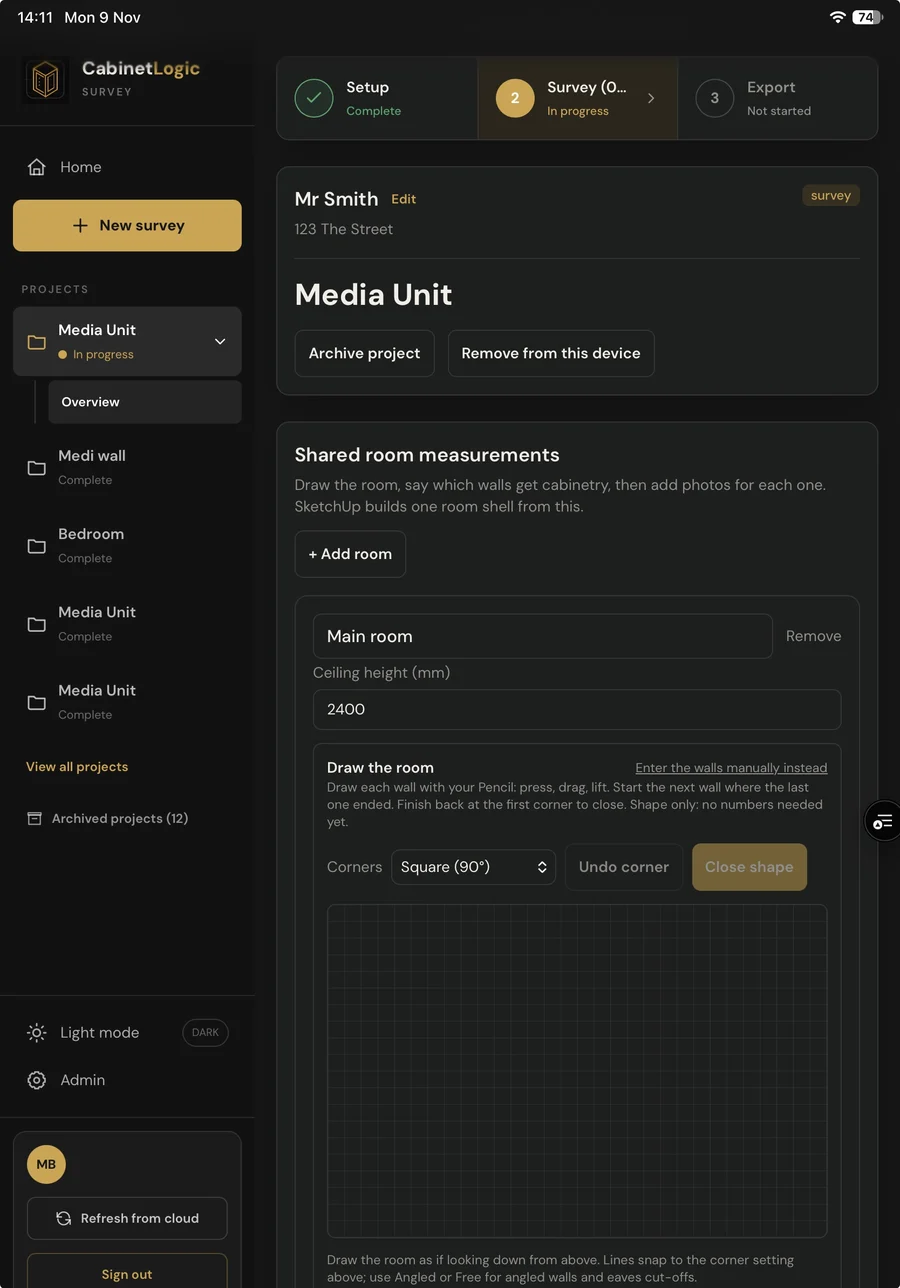
Actual CabinetLogic interface · Survey on iPad -
Stage 2
Design and parts
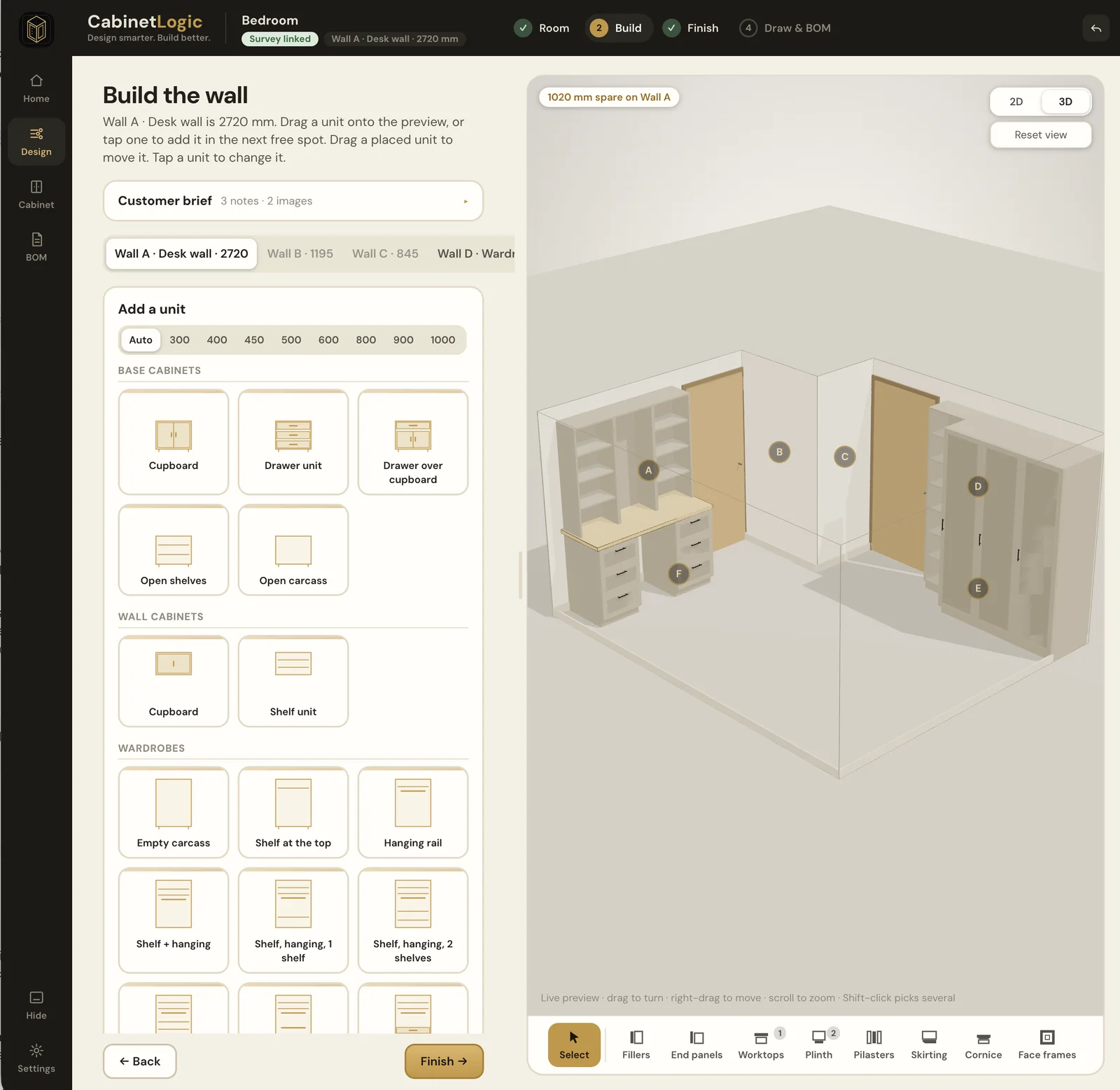
SketchUp builds the room from the survey. Drag units onto your wall and see every size as you go, in 2D or 3D. Fillers, plinths, worktops and end panels are worked out for you. The parts list follows, with boards, edge banding and hardware priced from your suppliers.
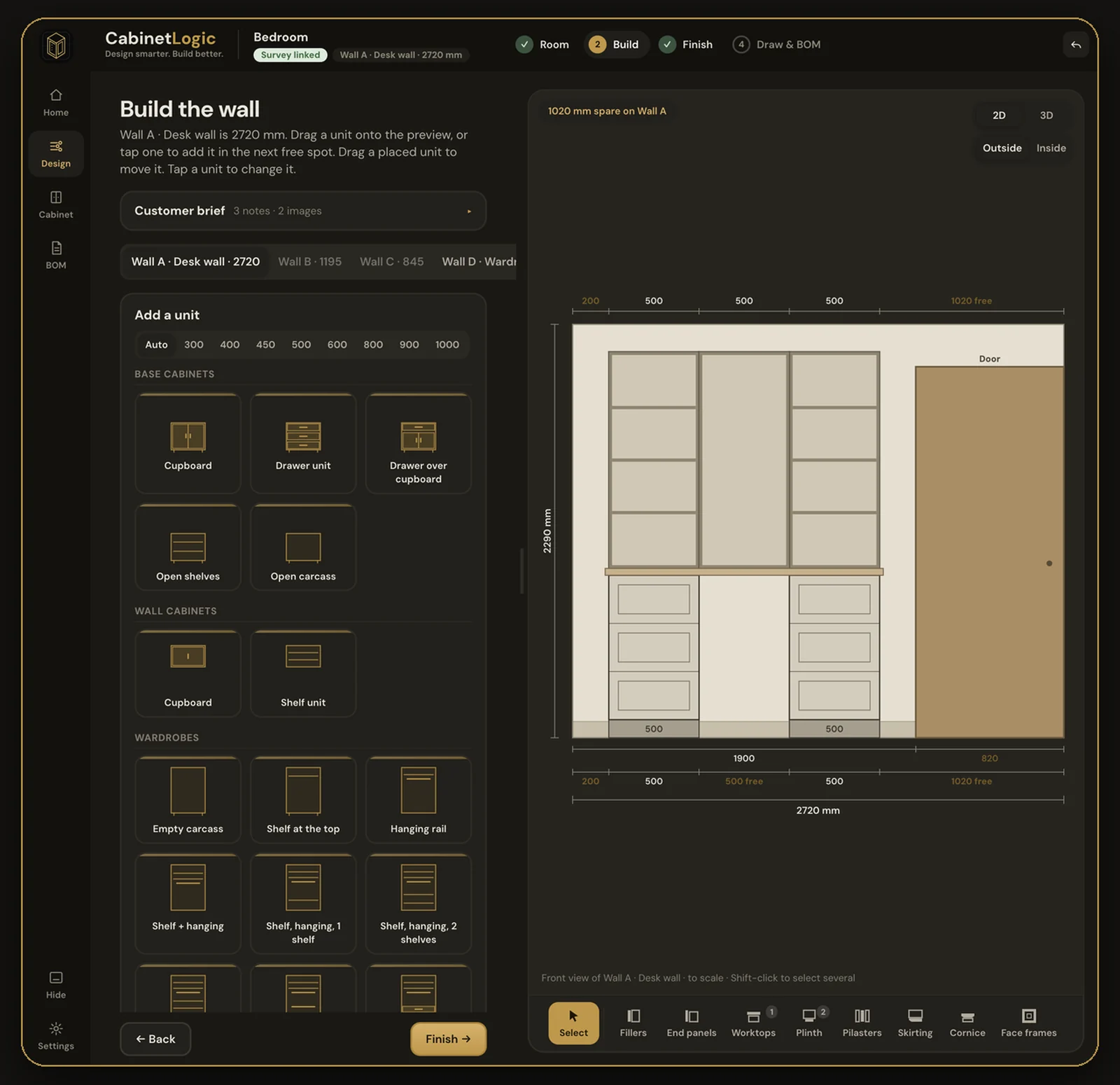
Actual CabinetLogic interface · Build the wall 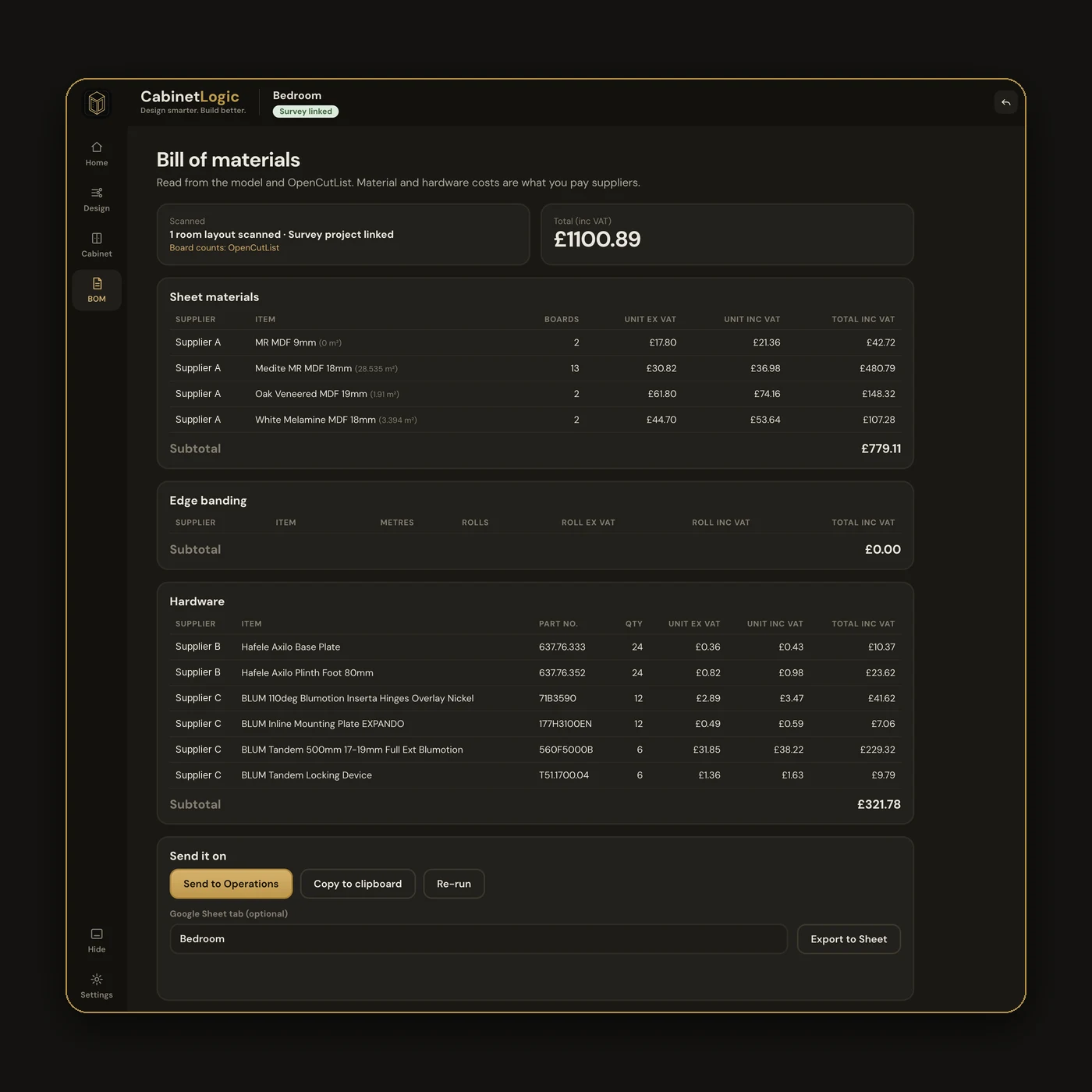
Actual CabinetLogic interface · Bill of materials -
Stage 3
Operations
Send the job over from SketchUp, or export it to your own sheet. Operations handles costing, purchasing and job tracking: what's accepted, what's still to buy, and what's on order.
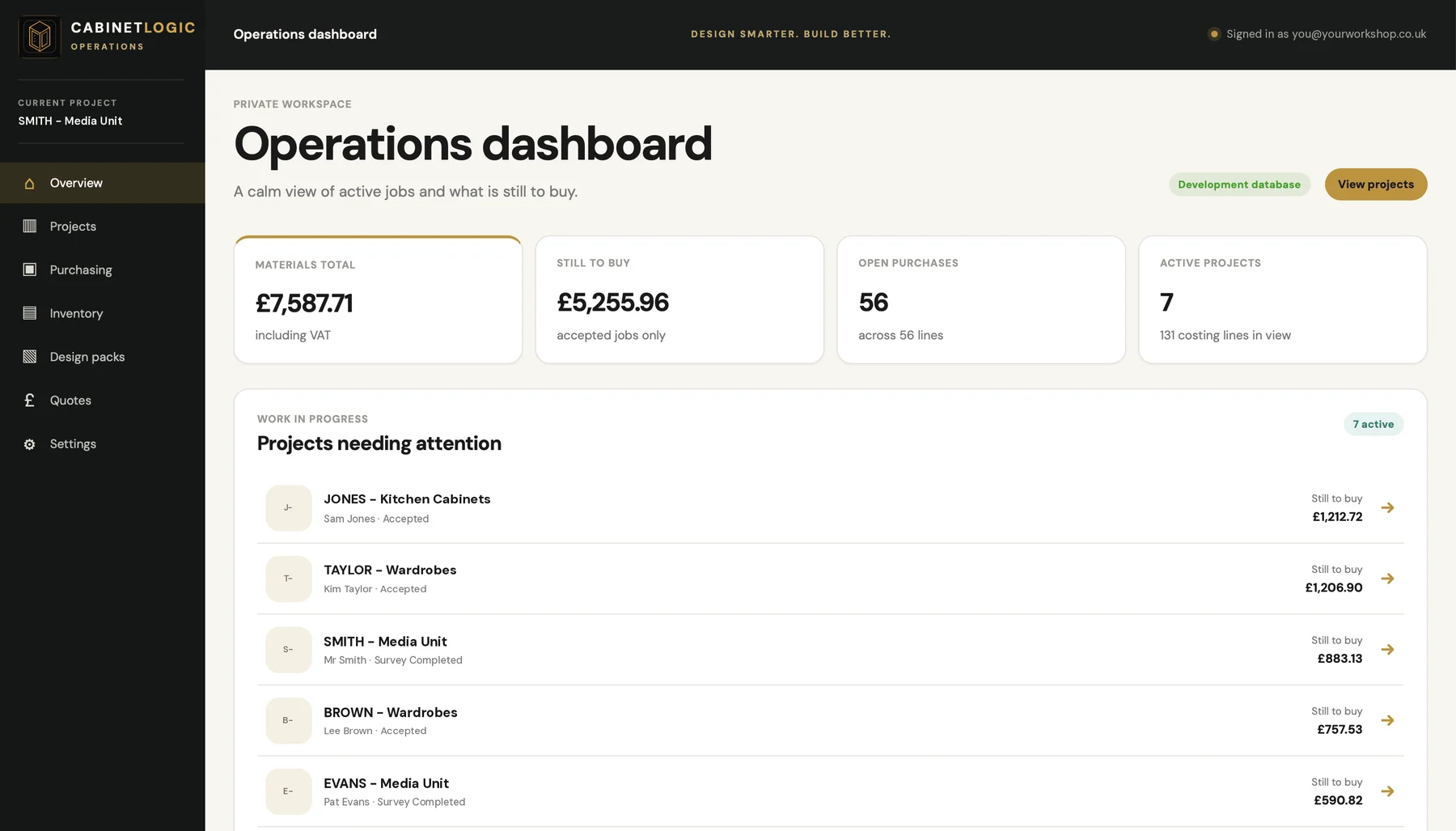
Actual CabinetLogic interface · Operations · example data
 CabinetLogic
Be first to hear.
Join the early-access list for updates and offers, including when CabinetLogic launches. Details of the launch offer will also be shared on Instagram.
Nearly there.
I've sent you an email. Click the link inside to confirm you're on the list. If it's not there in a couple of minutes, check your spam or junk folder.
Thanks for your interest. I'll be in touch when there's something worth showing you.
Damien